Create professional App Store screenshots in minutes, not hours
Drop your screenshots into realistic device frames, pick from ready-made templates, and export every size Apple and Google require — no design tools, no fiddling with dimensions.
10 free exports. No credit card required.
A template for every kind of app
A sample of the 63 templates in the library today.
Android Showcase
Android
Simple Slant iPhone
iPhone
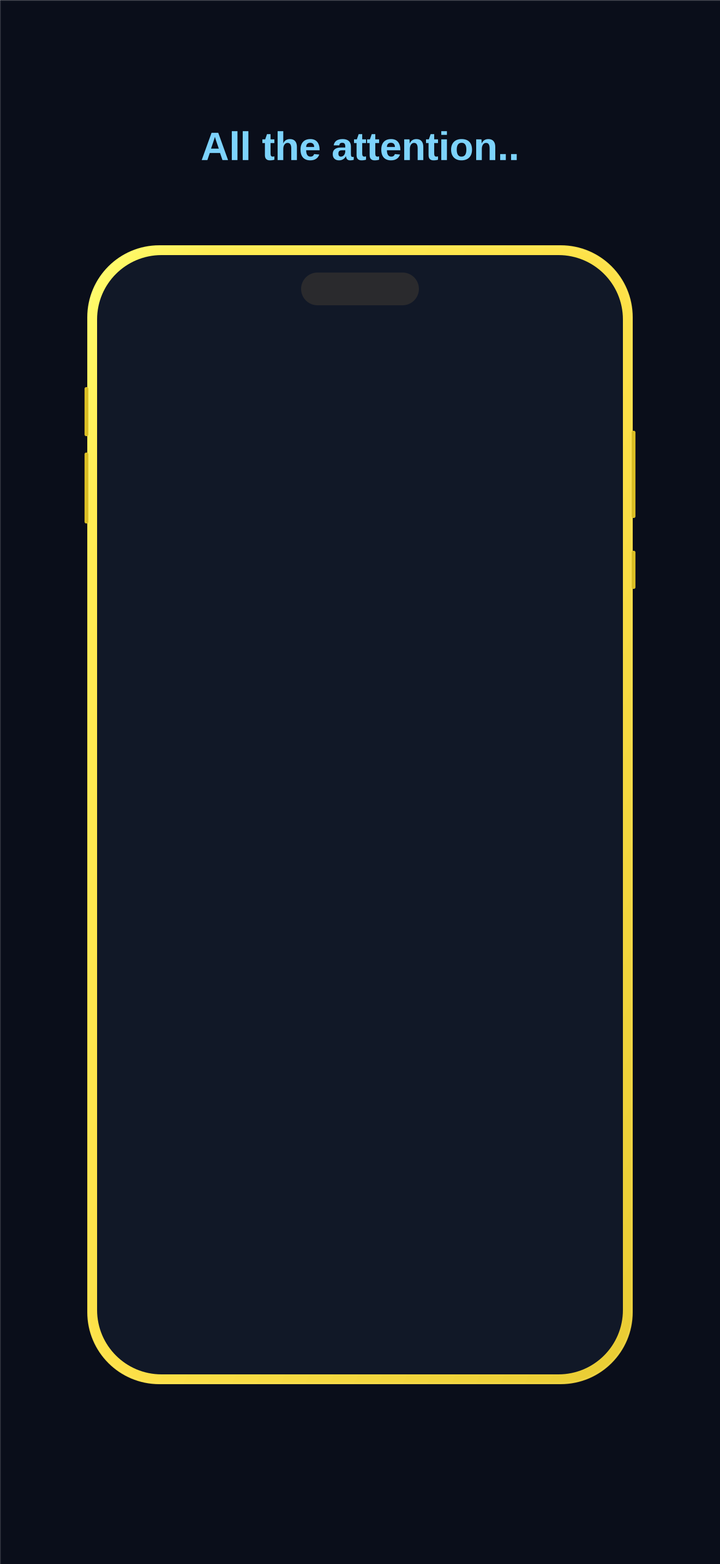
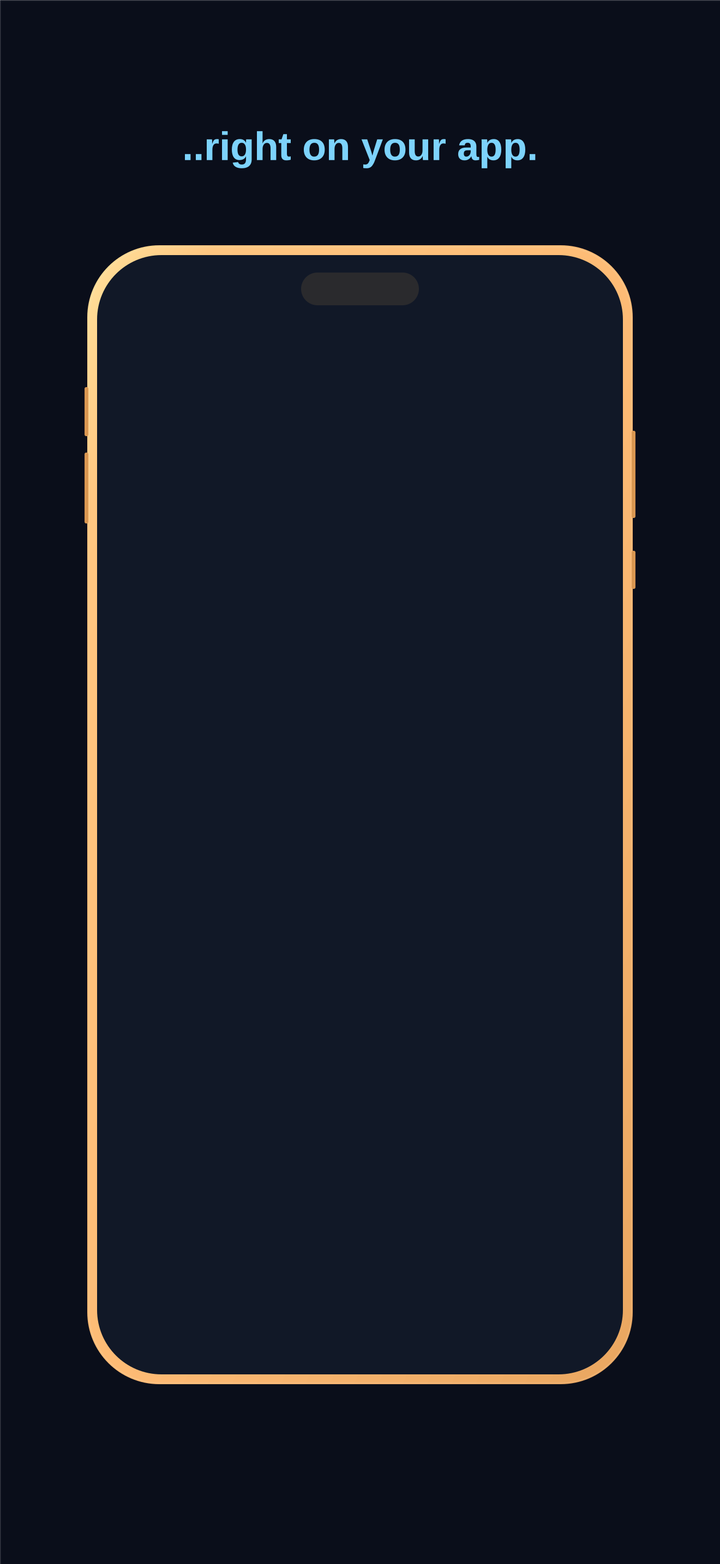
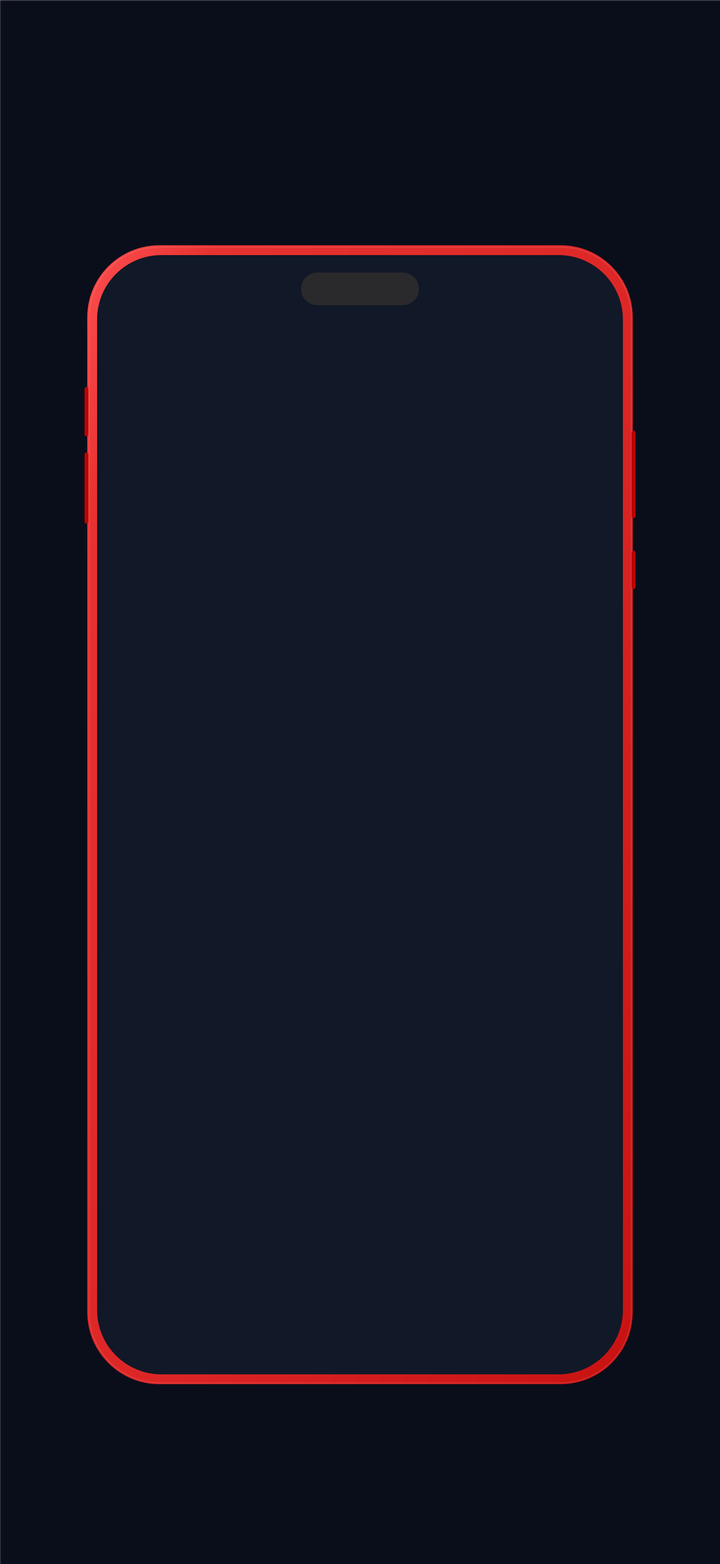
Neon Accent iPhone
iPhone
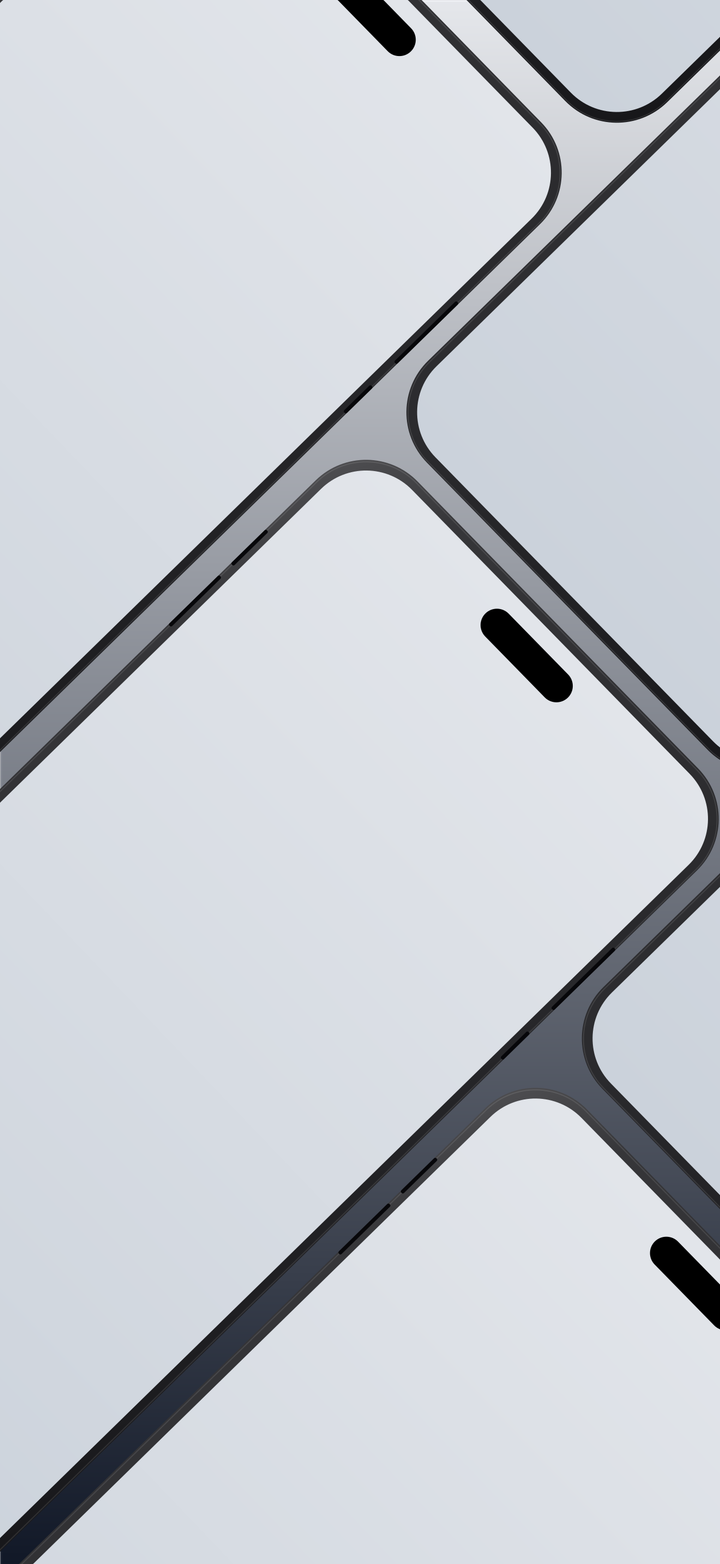
Wall iPhone
iPhone
Z Map Android
Android
Before & After
iPhone
+57 more templates waiting inside the editor.
Browse them all →Everything you need, nothing you don't
Built specifically for App Store screenshots — not a general-purpose design tool you have to bend to fit.
60+ ready-made templates
Minimal, bold, angled, slanted, dark mode, annotated callouts, and more — start from a real layout instead of a blank canvas, then make it yours.
Realistic device mockups
iPhone, iPad, Pixel, and Galaxy Tab frames built in, with accurate notches, bezels, and buttons. Drop in your screenshot and it's fitted and cropped automatically.
Exact export dimensions
Eleven preset sizes covering every current iPhone, iPad, and Android screenshot requirement. Pick one and export — no manual resizing, no guessing pixels.
Translate in one click
Clone a finished project and translate every headline and label into any of 19 languages, with font size auto-adjusted so translated text still fits.
Simple pricing
Start free. Upgrade only when you need more exports.
Free
Try the whole editor, no strings attached.
$0 / forever
- ✓All templates & device frames
- ✓Full editor access, incl. translation
- ✓10 exports total
- ✓Exports include a small watermark
Pro
For shipping updates and new apps regularly.
$10 / month
billed $120/year
- ✓Everything in Free
- ✓Unlimited exports
- ✓No watermark
- ✓Cancel anytime
Frequently asked questions
What image sizes do you support?+
Eleven presets covering every current requirement: iPhone 6.9" (two sizes), 6.7", 6.3", 6.1", and 5.5", iPad 13", 11", 10.5", and 9.7", plus a 1080×1920 Android phone size. Pick one at export time — the editor canvas matches each size's exact shape, so nothing gets stretched, distorted, or letterboxed.
Can I use my own screenshots?+
Yes — upload a screenshot into any device frame and it's automatically fitted and cropped to the screen area, with controls to adjust the fit, alignment, rotation, and flip afterward.
Do you support Android?+
Yes. Pixel and Galaxy Tab device frames are built in alongside iPhone and iPad, and Android phone is one of the export size presets.
How does translation work?+
Pick a language and it clones your project, then translates every headline and label's text using AI — preserving font, color, size, and position. Font size is nudged down automatically if a translation runs noticeably longer than the original. The result opens in the normal editor afterward so you can review and adjust anything before exporting.
Can I cancel anytime?+
Yes, a Pro subscription can be cancelled at any time from your dashboard — no long-term commitment, no phone call required.
Is there a free plan?+
Yes — every account starts with 10 free exports and full access to the editor, templates, and translation. No credit card required to sign up.